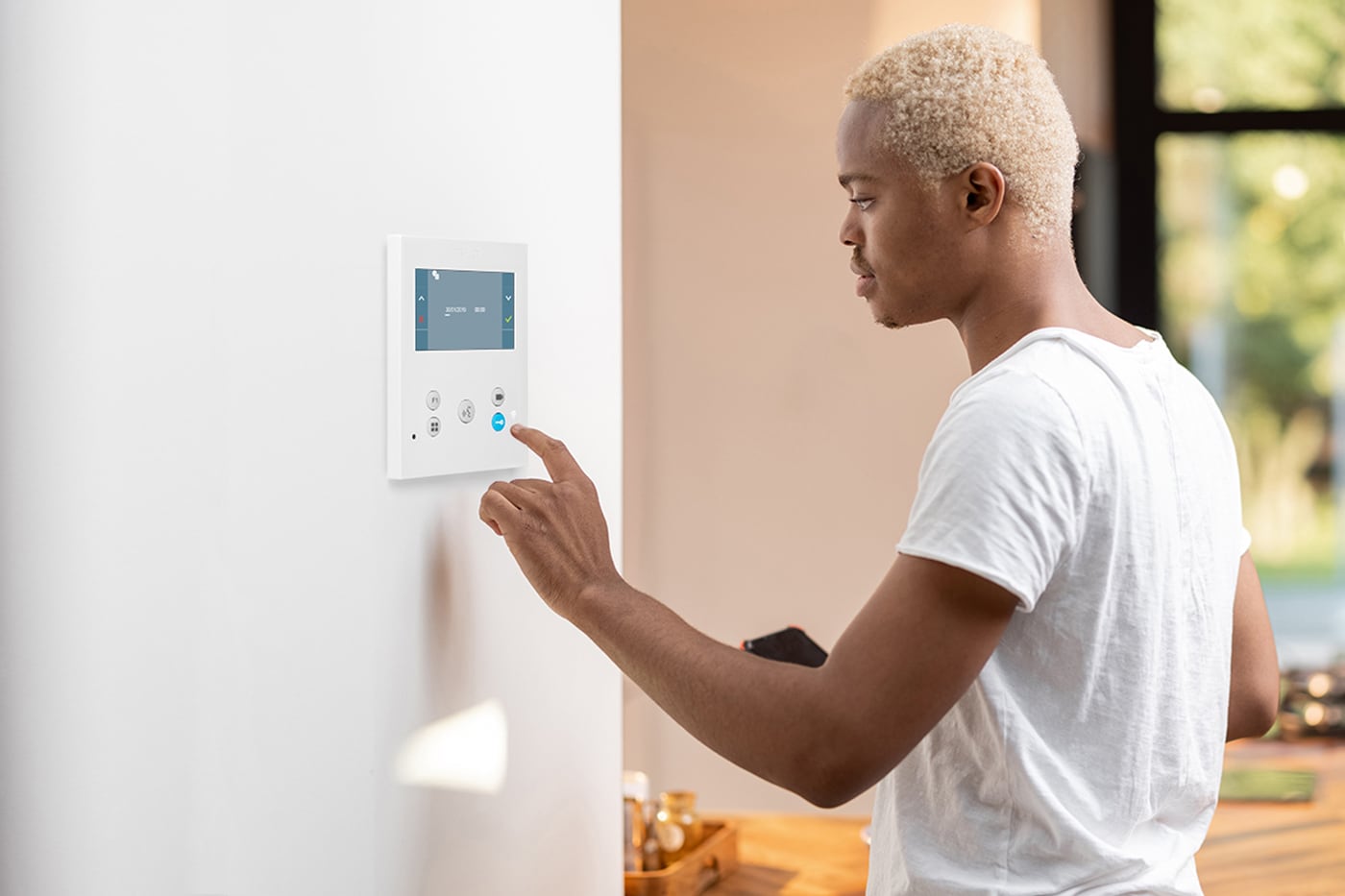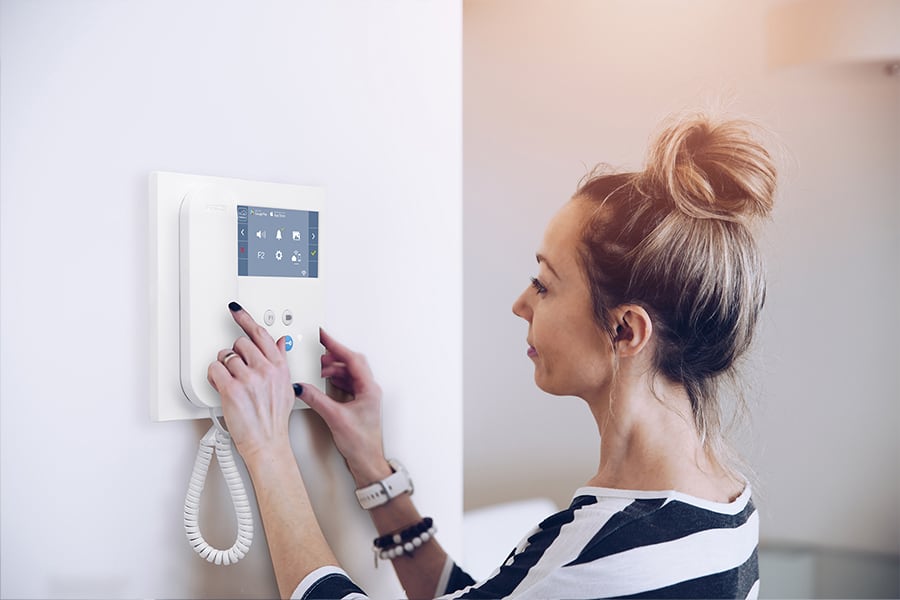
Wypróbuj swój nowy wideodomofon Fermax.

Zapoznaj się z wideoporadnikami dotyczącymi konfiguracji i pobierz skróconą instrukcję obsługi.

Unboxing KIT See-U WiFi
Unboxing SEE-U Wi-Fi kit
Play
Unboxing KIT See-U
Unboxing SEE-U KIT
Play
Unboxing KIT See-U WiFi
How to install SEE-U kits
Play
Comprobar la instalación del KIT SEE-U WiFi
Check the installation of the SEE-U Wi-Fi kit
Play
Unboxing KIT See-U WiFi
Check the installation of the SEE-U kit
Play
FERMAX
How to pair it with the SEE-U Wi-Fi kit
Play
FERMAX
How to register in DuoxMe
Play
FERMAX
How to pair my monitor with DuoxMe
Play
FERMAX
How to activate direct door opening feature
Play
FERMAX
How to link with Alexa
Play
FERMAX
How to add a guest user
Play
FERMAX
Configure the door opening from a widget (Android)
Play
FERMAX
How to link with Siri and add a shortcut (iOS)
Play
FERMAX
How to link with Google Home
Play
FERMAX
How to register in DuoxMe
Play
FERMAX
How to pair my monitor with DuoxMe
Play
FERMAX
How to link with Alexa
Play
FERMAX
How to link with Google Home
Play
FERMAX
Configure the door opening from a widget (Android)
Play
FERMAX
How to link with Siri and add a shortcut (iOS)
Play
FERMAX
How to select ringtones
Play
FERMAX
How to do auto-on and activate the F1 function
Play
FERMAX
How to activate direct door opening feature
Play
FERMAX
How to activate the image capture feature
Play
FERMAX
How to disable incoming calls
Play
FERMAX
How to add a guest user
Play
FERMAX
How to pair my monitor with DuoxMe
Play
FERMAX
How to do auto-on from the monitor
Play
FERMAX
What is the automatic image capture
Play
FERMAX
How to set the date and time on the monitor
Play
FERMAX
How to activate/desactivate the 'Do Not Disturb' function and change the volume or melodies
Play
FERMAX
How to contact with Support Centre
Play

Dokumentacja techniczna

VEO-XL 7" DUOX PLUS
Skrócona instrukcja obsługi
Pobierz
VEO-XS 4.3" DUOX PLUS
Skrócona instrukcja obsługi
Pobierz
VEO 4.3" DUOX PLUS
Skrócona instrukcja obsługi
Pobierz